Track a learner's progress
The Learner profile is the one page Scholiq pulls everything about one student into. Use it for one-on-ones, parent conversations, compliance audits, and the "where are they at?" question that comes up every week.
Goal
By the end you will have opened a learner's profile, walked through each tab (overview, enrolments, grades, attendance, credentials, plans, logs), and know where to find the live numbers behind each one.
Prerequisites
- The learner has at least one Active enrolment (see Enrol students).
- Ideally some graded work and a recorded attendance session, so the tabs have data to show — otherwise the views render an empty state, which is also fine.
Steps
-
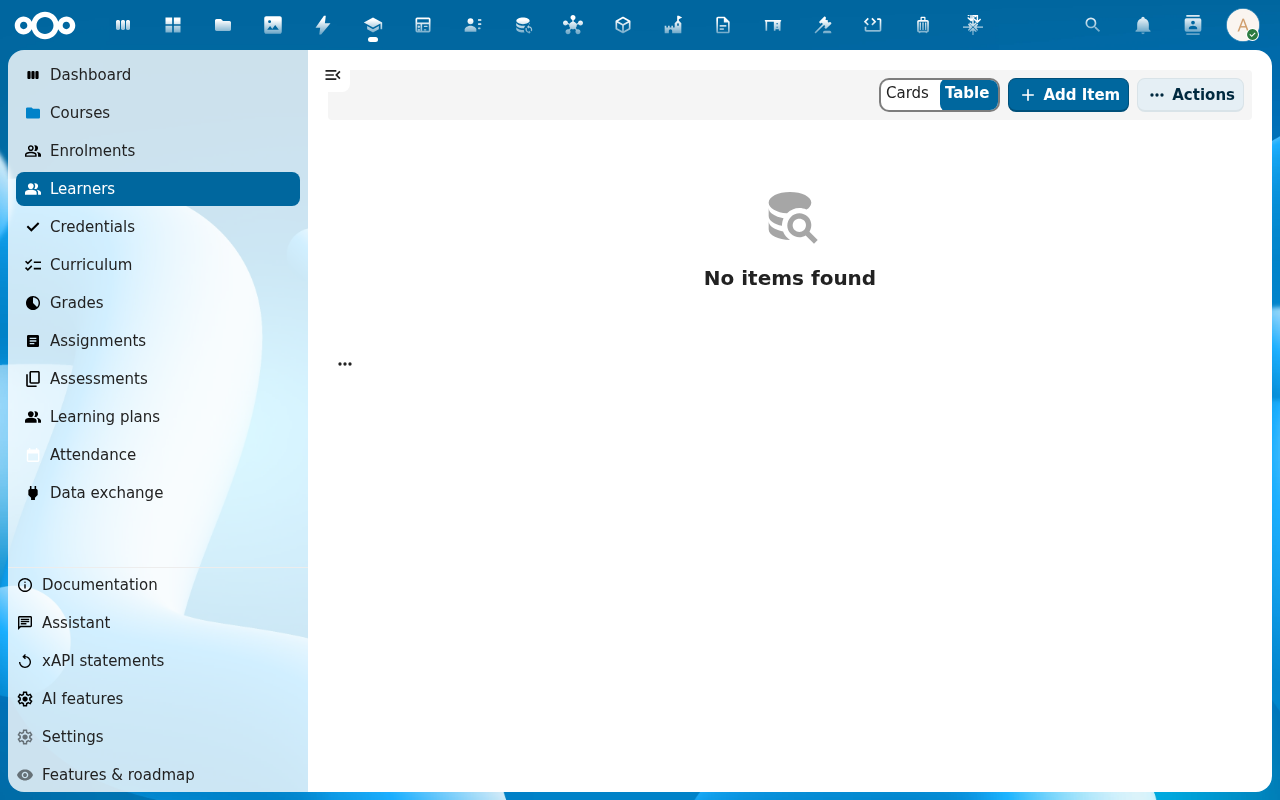
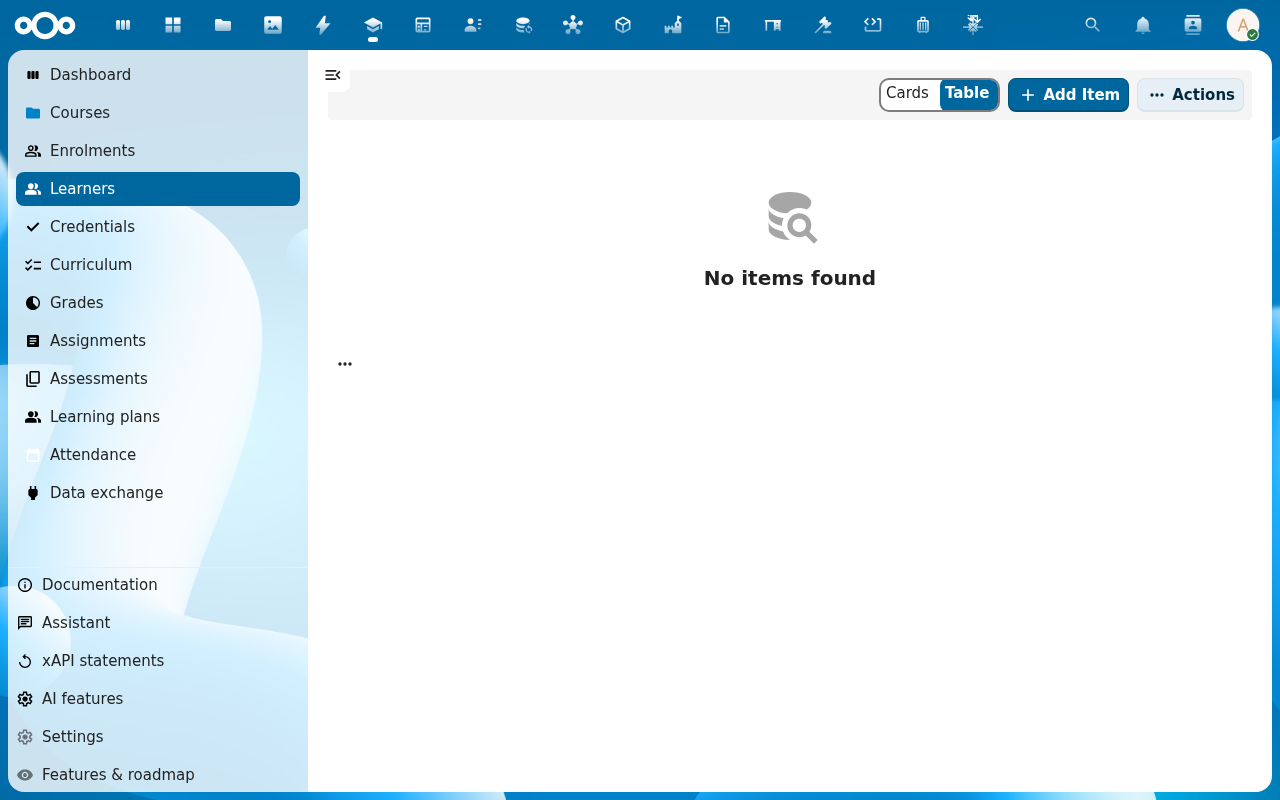
Click Learners in the left navigation. The list shows every learner profile in the system.
-
Pick a learner. Their profile opens to the Overview tab — a summary card with enrolments, current grades, attendance percentage and credential count.
-
Switch to the Enrolments tab to see every course the learner is on — past, present and future — with status and date window.
-
Switch to Grades — every grade entry and every final grade the learner has, with the source (assignment, assessment, manual entry).
-
Switch to Attendance for the per-session record, and Credentials for the certificates issued. The Logs tab at the end is the audit trail Scholiq writes for every change touching this learner — useful when you need to answer "who marked this absence?".
Verification
You are reading the profile correctly when: the Overview totals (enrolment count, attendance percentage, grade average) match the row counts on the individual tabs.
Common issues
| Symptom | Fix |
|---|---|
| The Overview totals do not match the tabs | The summary card caches for a minute or two — reload the page; if the gap stays, an admin opens the Logs tab for the learner to see which write failed. |
| You cannot see a tab you expect | Your role is restricted — Teacher sees grades for their courses only; Coordinator sees everything. An admin sets roles in Manage Scholiq settings. |
| The learner is missing from Learners | No Learner Profile exists for them yet — create one under Learners → Add Item or run the SIS import job. |
Reference
- Compliance audit pack — the same data, aggregated for inspectors.
- Define your school structure — programmes and cohorts the learner can belong to.