Open Scholiq for the first time
A first look at Scholiq — where the app lives, what the navigation gives you, and how to tell it is wired up to OpenRegister.
Goal
By the end you will have opened the Scholiq app, recognised the dashboard tiles and the left-hand navigation, and confirmed that the OpenRegister-backed lists (Courses, Learners, Enrolments, …) load.
Prerequisites
- A Nextcloud account on an instance where the Scholiq app is installed and enabled.
- The OpenRegister app installed and enabled — Scholiq stores every course, enrolment, grade, credential and attendance record in OpenRegister, so it is a hard dependency.
- The Scholiq register and its schemas imported. An admin runs this once from Settings → Registers → Re-import configuration (see Manage Scholiq settings).
Steps
-
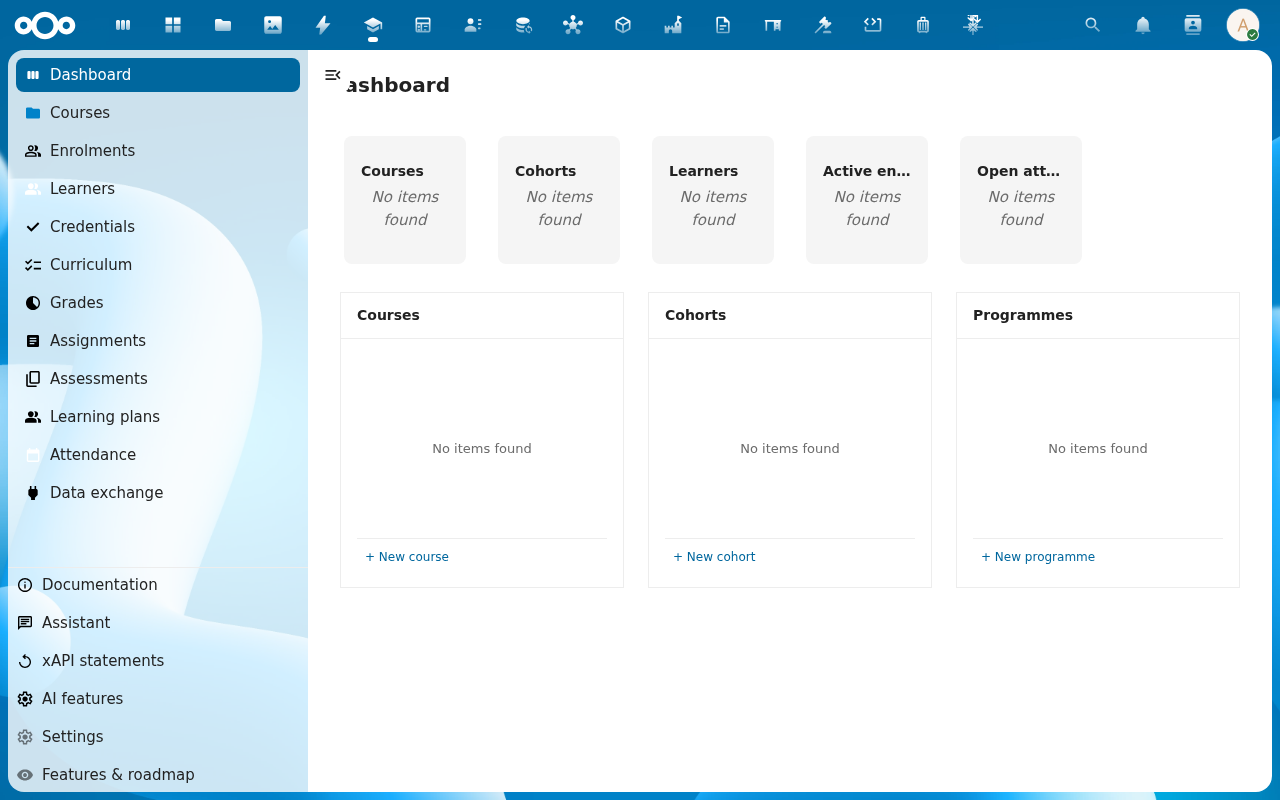
Open the Nextcloud app menu in the top bar and pick Scholiq. You land on the dashboard.
-
Read the dashboard tiles — Courses, Cohorts, Learners, Active enrolments, Open attendance flags. On a fresh install they read
No items found; they fill in as work moves through the app.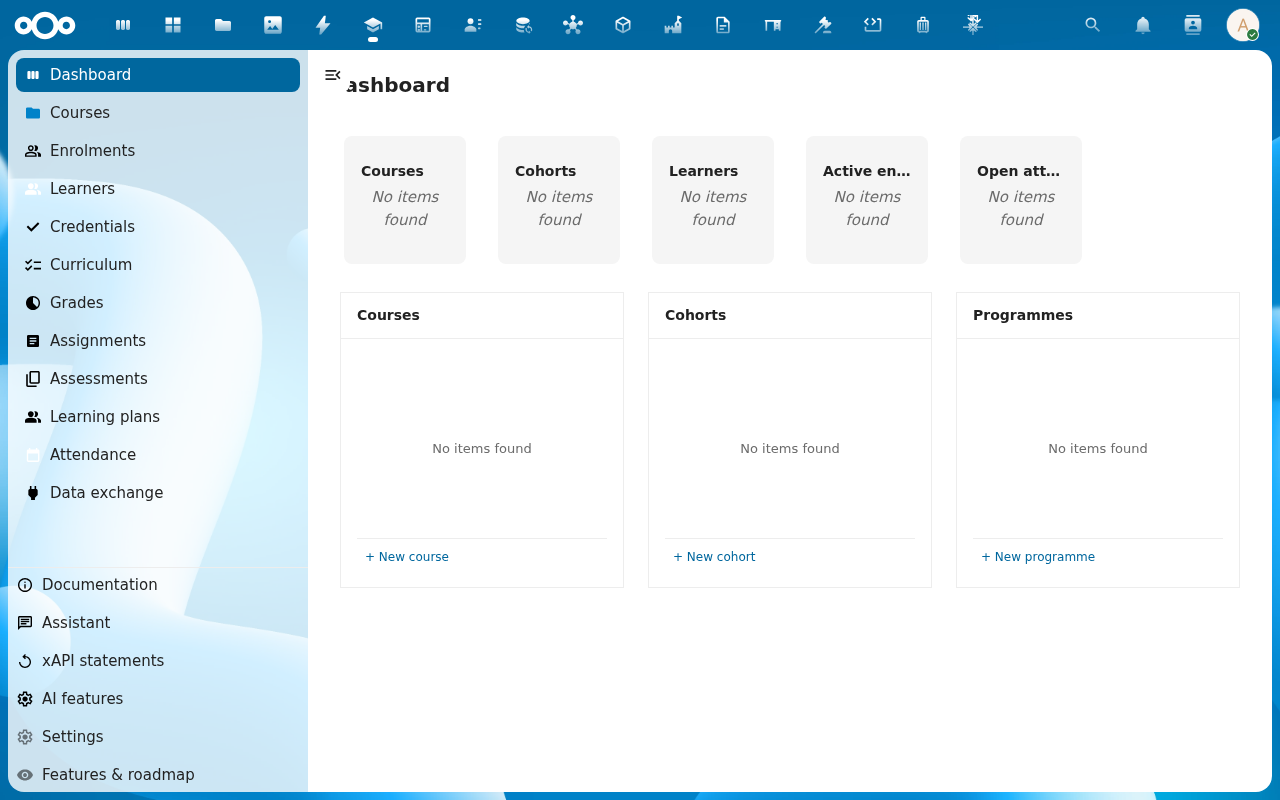
-
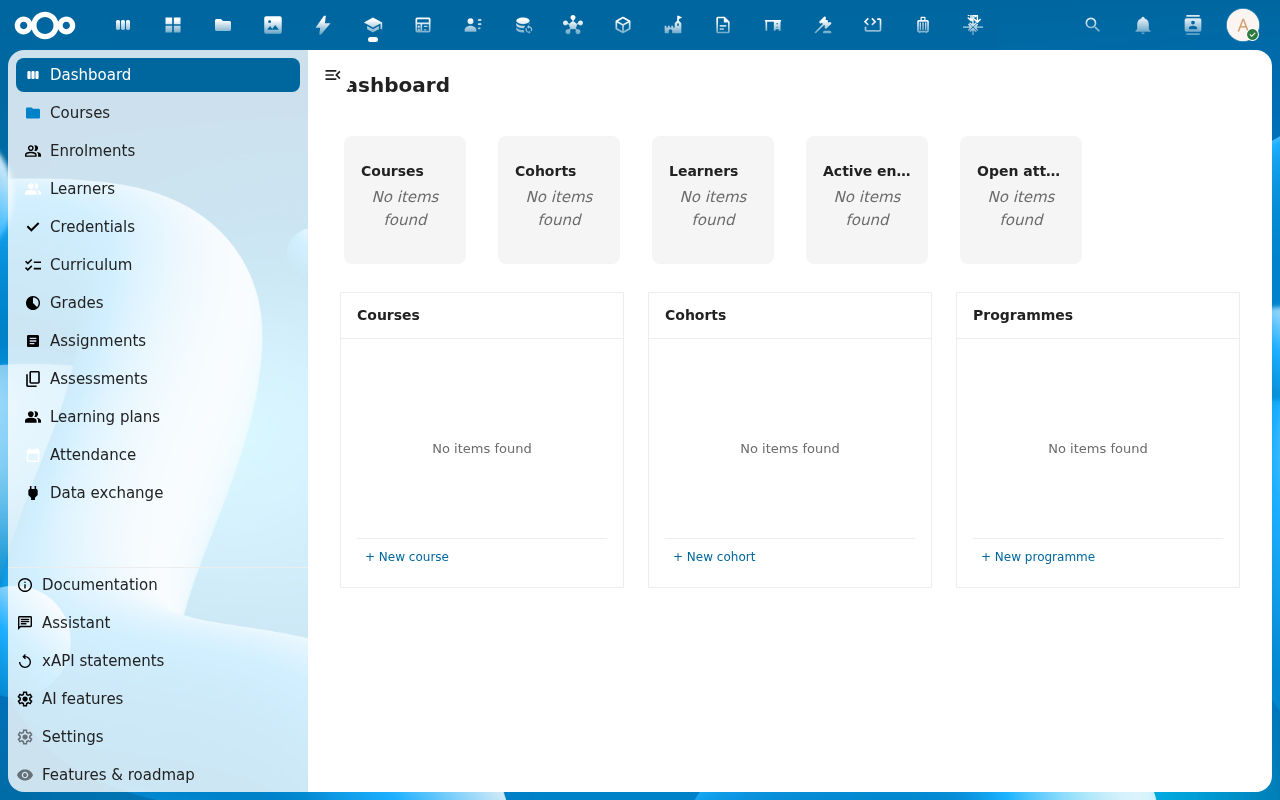
Open the left-hand navigation. The entries map one-to-one onto the things Scholiq tracks: Courses, Enrolments, Learners, Credentials, Curriculum, Grades, Assignments, Assessments, Learning plans, Attendance, Data exchange. Below sit Documentation, Assistant, xAPI statements, AI features, Settings and Features & roadmap.
-
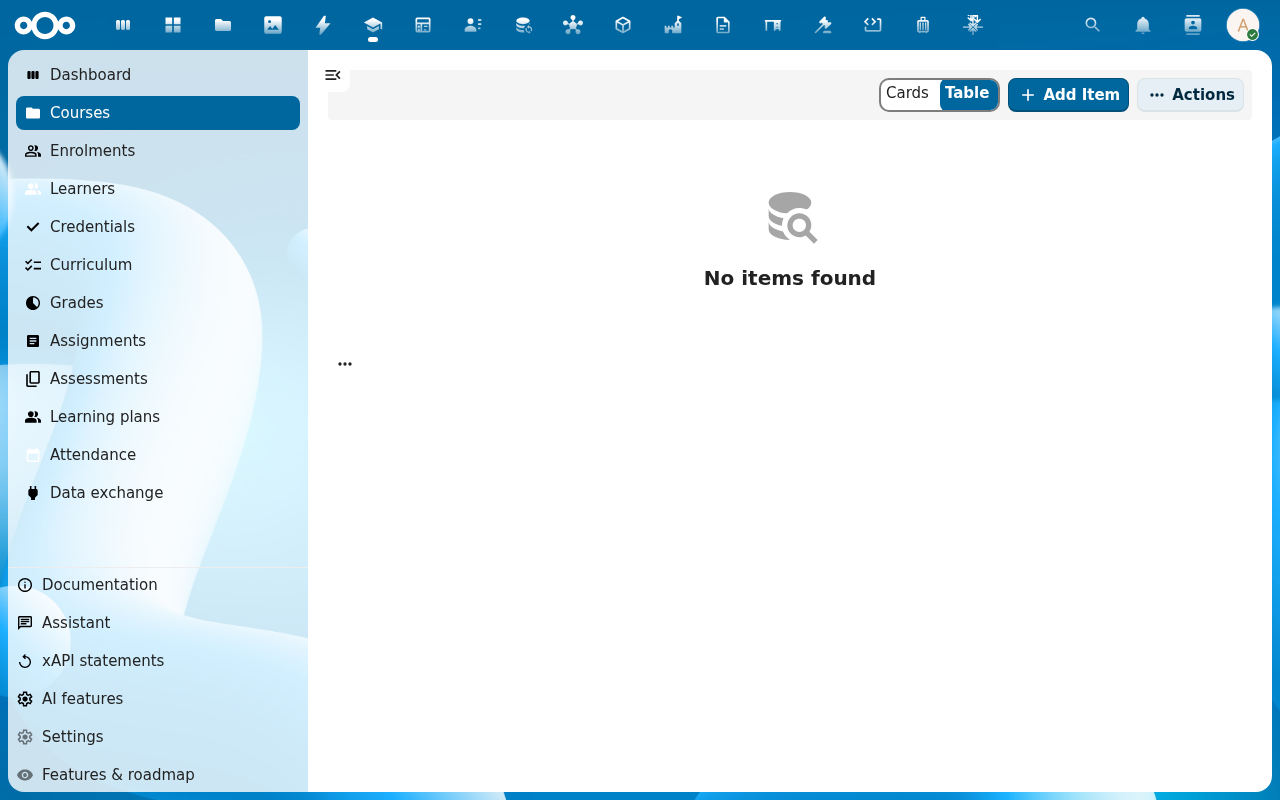
Click Courses. The list view opens with a Cards / Table toggle, an Add Item button, and the OpenRegister side filters. An empty install shows No items found — expected until someone creates the first course.
Verification
You are set up correctly when: the Scholiq dashboard renders without an error banner, the left navigation lists the entries above, and clicking through to Courses (or any other list) shows either rows or a clean No items found state — not a load error.
Common issues
| Symptom | Fix |
|---|---|
| "OpenRegister is not installed or enabled" banner | Install and enable the OpenRegister app, then reload Scholiq. |
| Lists load but Add Item opens a modal with no form fields | The Scholiq register import is incomplete — an admin re-runs Settings → Registers → Re-import configuration. |
| Scholiq is missing from the app menu | The app is not enabled for your account — ask an administrator to enable it (and check it is not restricted to a group you are not in). |
Reference
- Manage Scholiq settings — register import, OpenRegister wiring, signing keys.
- School structure & cohorts — the admin set-up the user tutorials assume is in place.