Take attendance
Attendance in Scholiq is per session — one row of the timetable for a course or cohort. Marks roll up automatically to the learner's attendance record and into compliance reports.
Goal
By the end you will have taken attendance for one session, marked each learner as Present, Absent, Late or Excused, and seen the result on the learner's profile.
Prerequisites
- A course with sessions (lessons) scheduled on it. Sessions live under the course detail page → Lessons tab.
- Enrolments on the course (see Enrol students).
- Optional: a cohort timetable so the same session can pull learners from several courses.
Steps
-
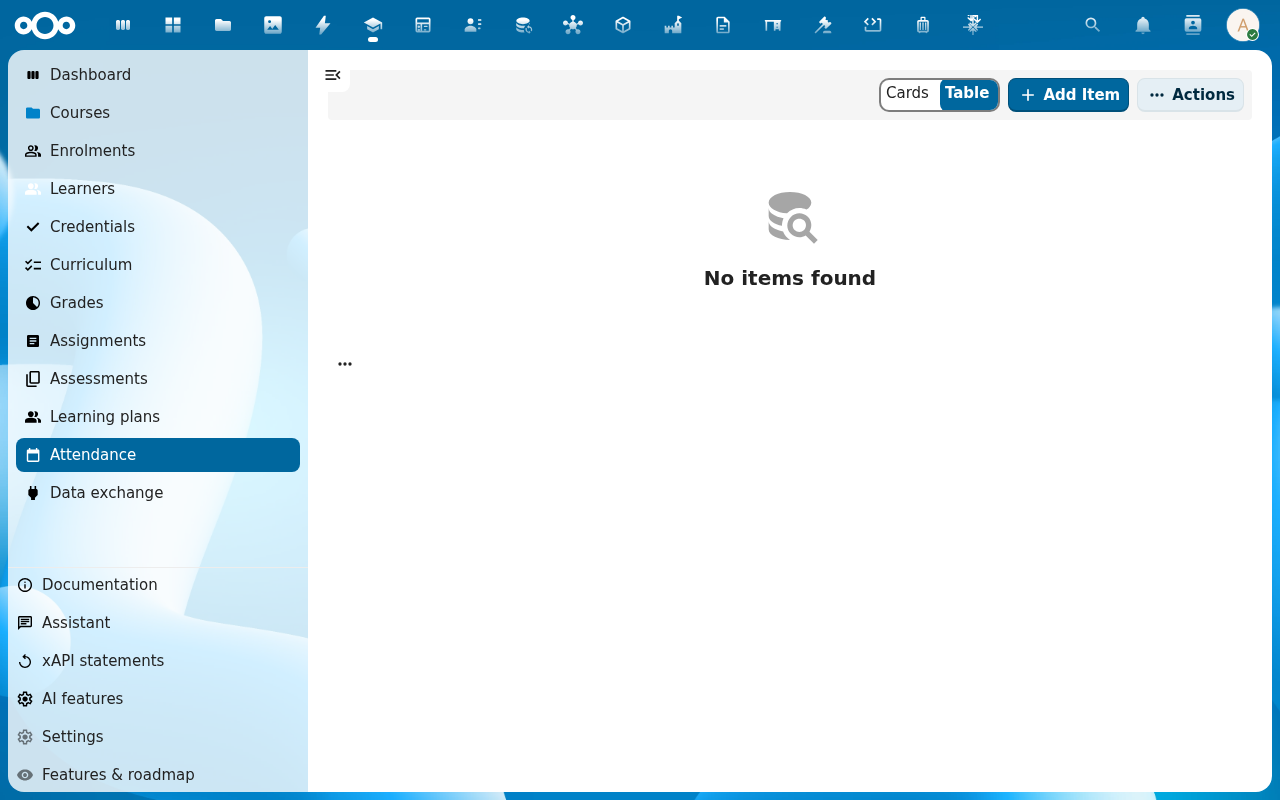
Click Attendance in the left navigation. The list shows every session today, sorted by time.
-
Pick the session you are teaching. The Mark attendance view opens with one row per enrolled learner.
-
For each learner, click Present, Absent, Late or Excused. Add a short note where it helps (lateness reason, excused-by reference, etc.).
-
Click Save. The session moves to Recorded and the dashboard tile Open attendance flags drops by the count of absences you flagged.
-
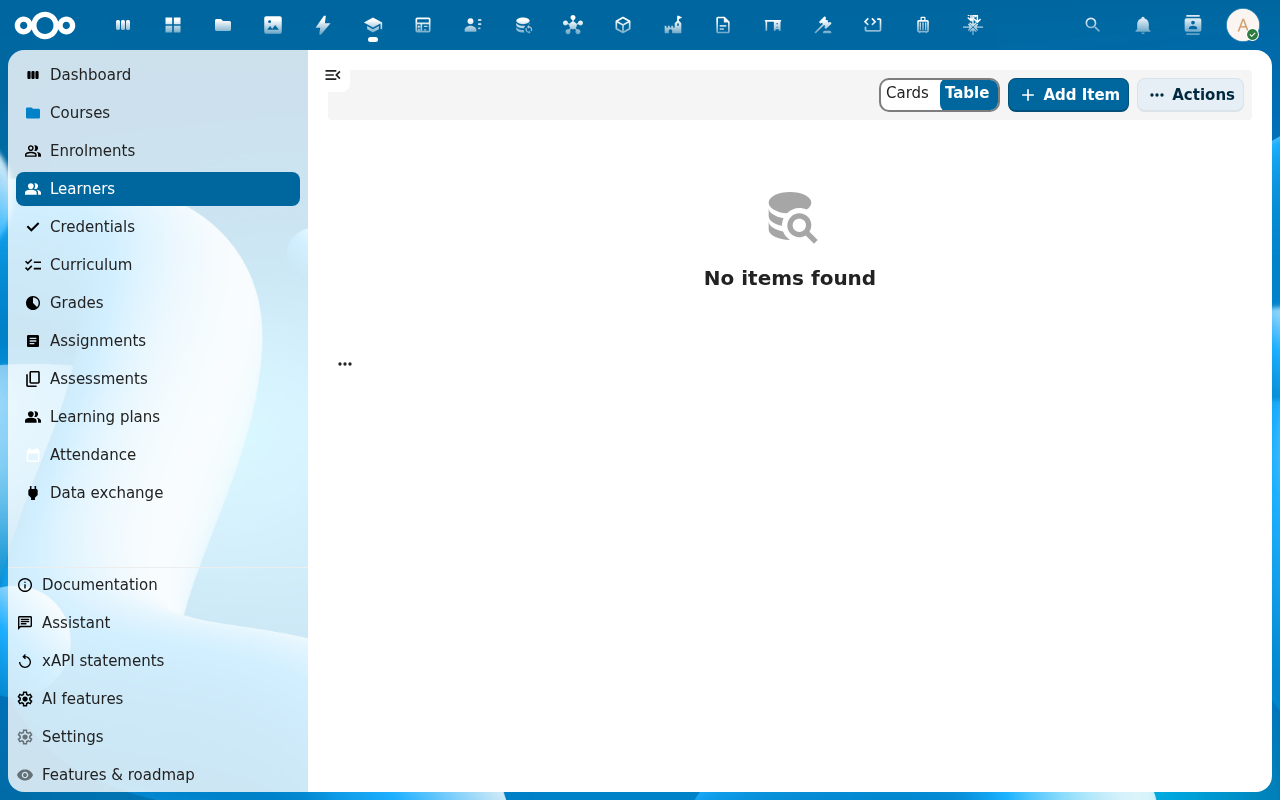
To confirm a single learner's record, open Learners → <learner> and switch to the Attendance tab. The row you just marked is at the top.
Verification
Attendance is complete for the session when: the session shows status Recorded in the Attendance list, no learner row is left on Unmarked, and the totals on the learner profile updated.
Common issues
| Symptom | Fix |
|---|---|
| The session is missing from today's list | The course timetable does not have a session for today, or it is outside the course's start/end window — add or fix it under the course's Lessons tab. |
| The learner you expected is not on the roster | They have no Active enrolment on the course — fix the enrolment dates under Enrol students. |
| You marked the wrong row | Click the same row again, pick the right mark and save — Scholiq keeps the latest mark plus an audit trail (every change shows up under the session's Logs tab). |
Reference
- Submit an excuse — the learner-side equivalent (the Submit excuse button on their attendance row).
- Compliance audit pack — how attendance feeds into the audit report.