Run a compliance-training audit
When the inspector calls — or when your QA team needs to prove a cohort got the training they signed up for — Scholiq's audit pack is the artefact you hand over. It is a signed bundle of every enrolment, attendance row, grade entry and credential within a time window.
Goal
By the end you will have requested an audit pack for one programme over one date range, watched the job complete, and downloaded the resulting ZIP.
Prerequisites
- Programme + cohort structure in place (see Set up your school structure).
- The Scholiq signing key generated (see Manage Scholiq settings → Credential Signing) — the audit pack is signed with the same key as certificates.
- Enough data in scope (enrolments, attendance, grades) — an empty pack still generates, but the inspector will not be impressed.
Steps
-
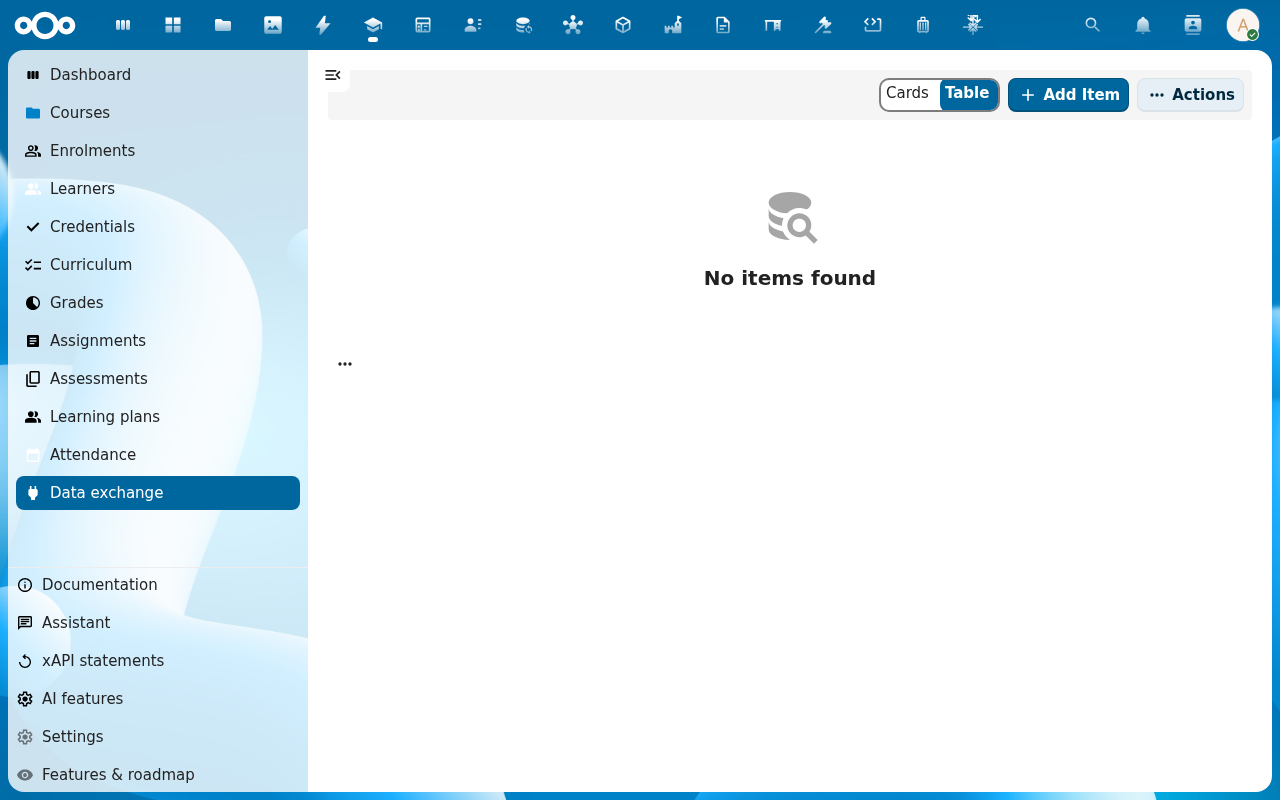
Click Documentation → Audit pack in the left navigation, or open it directly from a programme's detail page → Actions → Request audit pack.
-
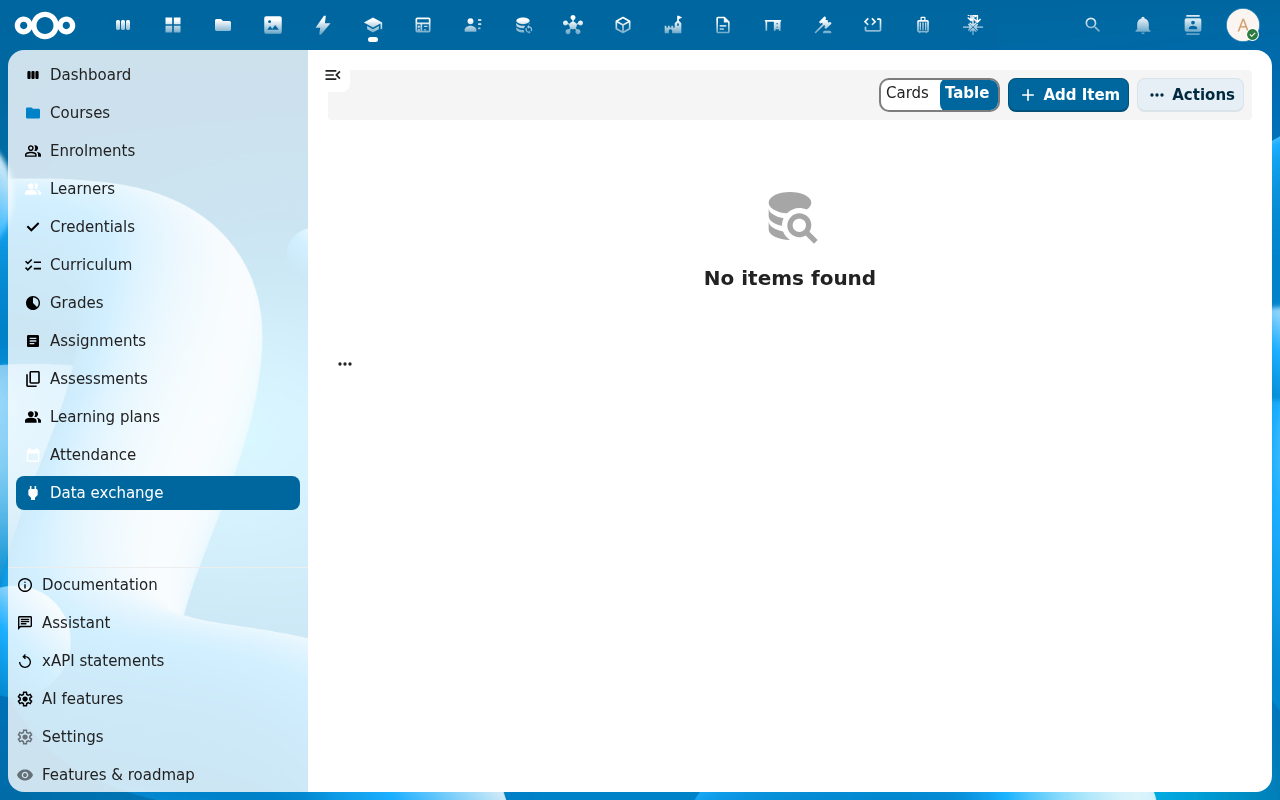
Pick the Programme (and optionally a single Cohort), the Date range the pack should cover, and tick the data classes to include — by default everything: Enrolments, Attendance, Grades, Credentials, Compliance flags.
-
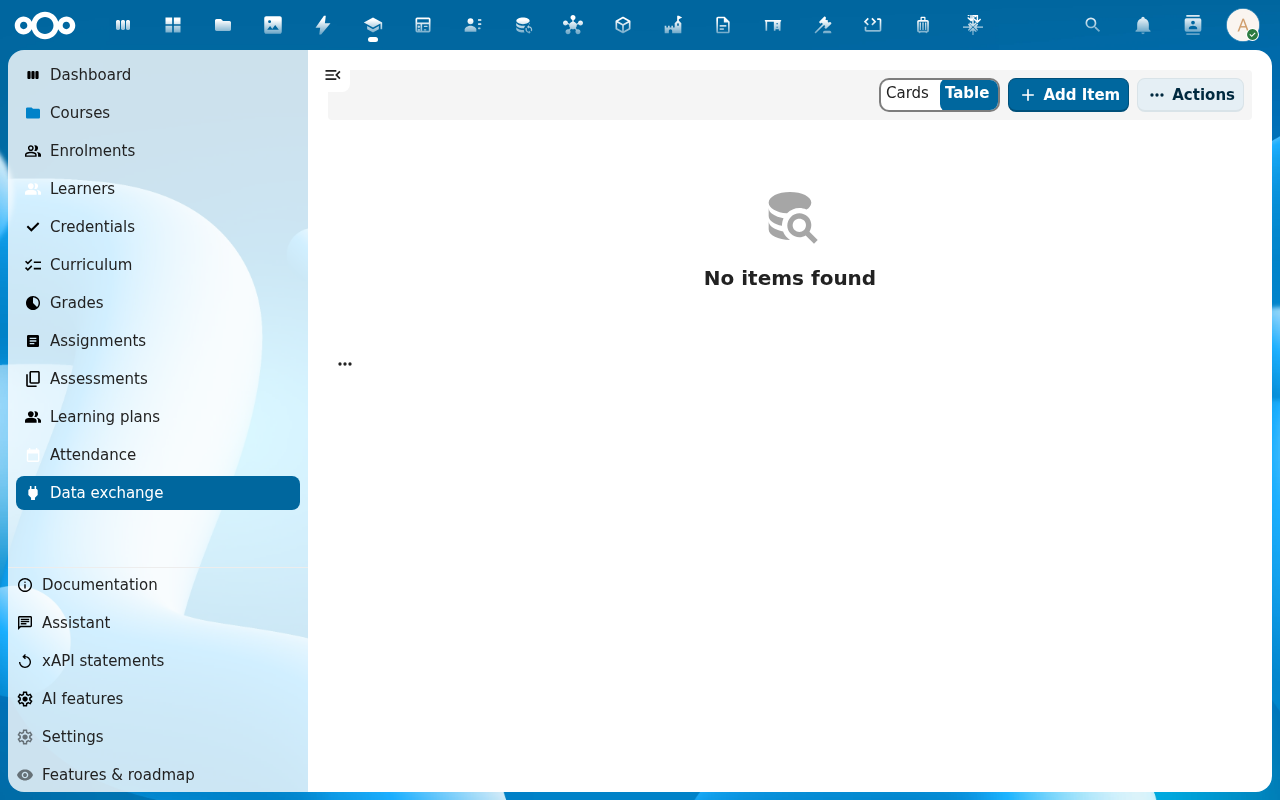
Click Request. The job moves to the Data exchange queue with status Queued. Scholiq runs it as a Nextcloud background job — small packs finish in seconds, big multi-year packs in a few minutes.
-
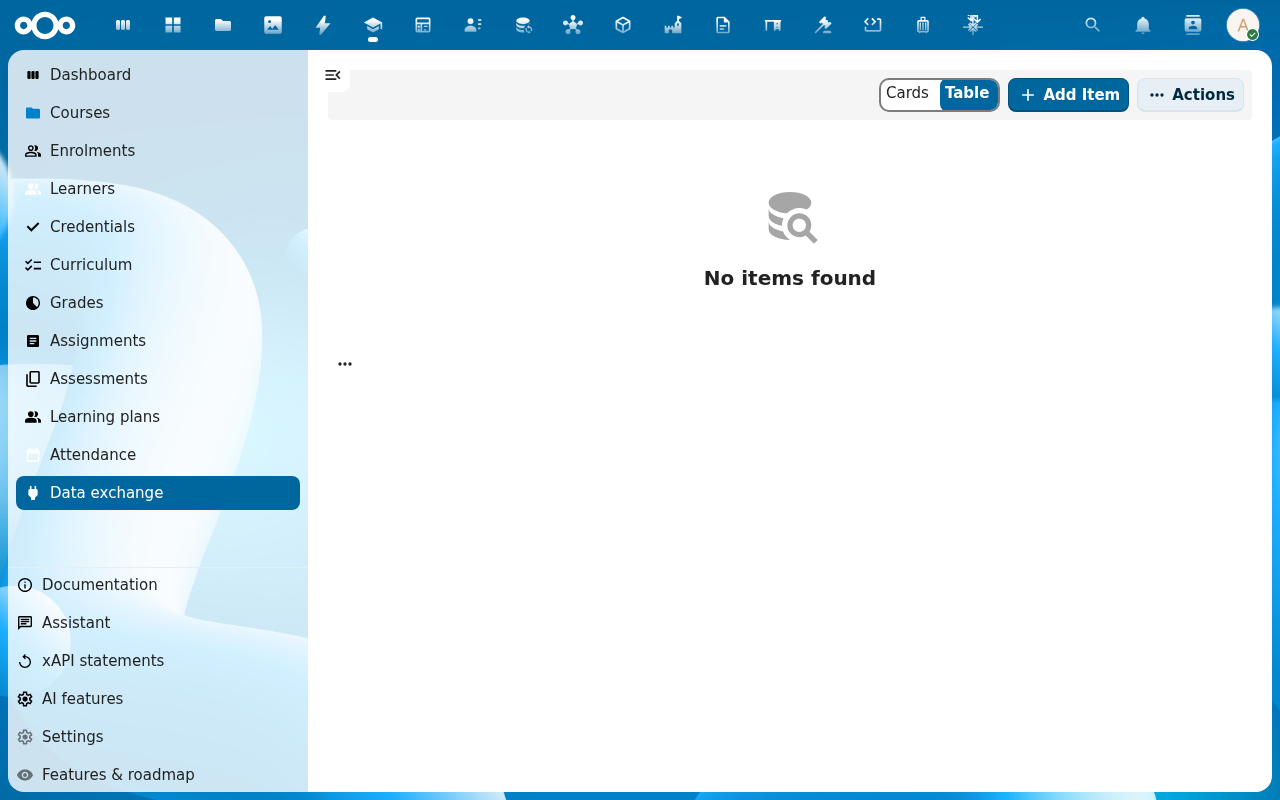
When the row reaches status Completed, click it to open the job detail. The page shows the row counts per data class and the signed ZIP attachment.
-
Download the ZIP. It contains one JSON file per data class plus a
manifest.json(signed with the school's RS256 key) listing the contents and the row counts. Hand the ZIP plus the public Verification URL (from the Logs tab) to the inspector.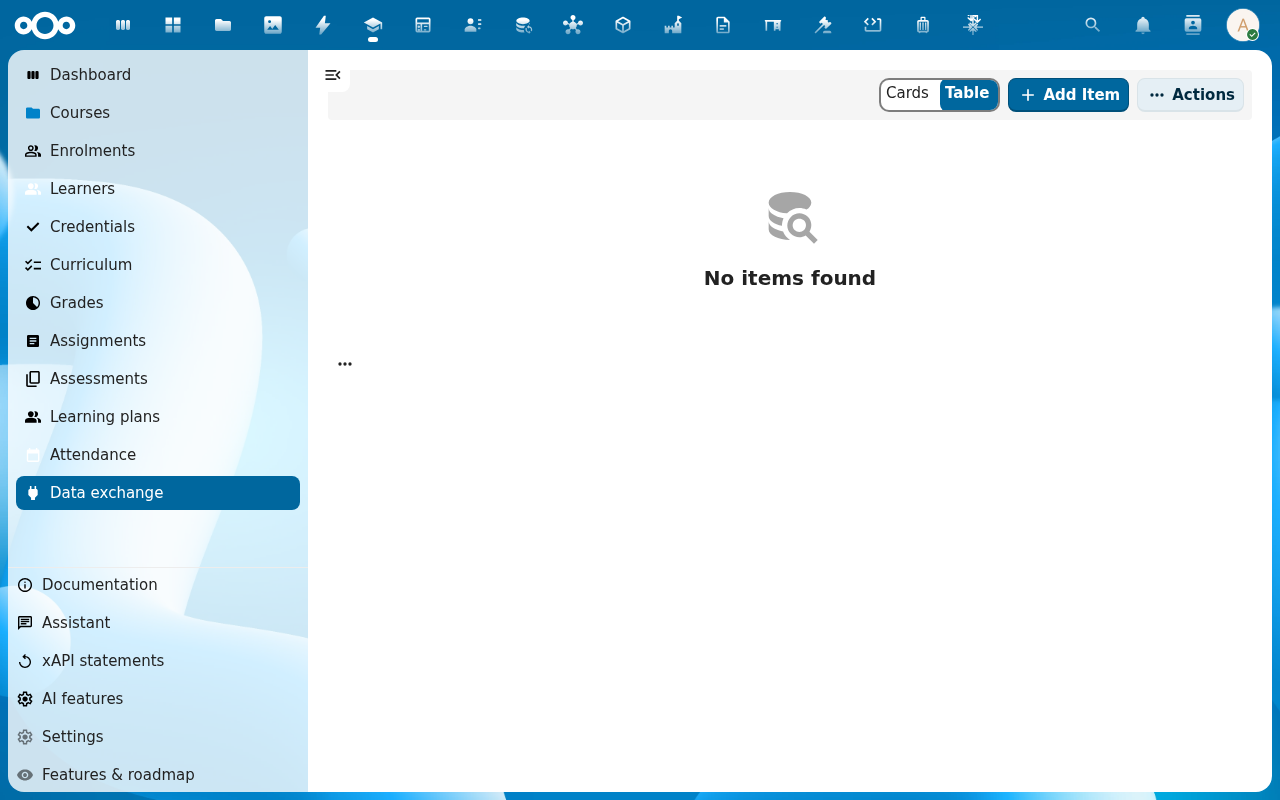
Verification
The audit pack is good when: the Completed row's row counts match what the programme detail page shows for the same date range, and the manifest signature verifies on the public verifier URL.
Common issues
| Symptom | Fix |
|---|---|
| Job sits on Queued forever | The Nextcloud background jobs are not running — check php occ background-job:list on the host. |
| Pack is empty | The scope filter is too narrow — date range outside the programme's window, or the cohort has no members. |
| Inspector says "signature does not match" | The signing key was rotated between issuance and verification. The old key stays in Scholiq for verification — wait a minute for cache, or hand them the Verification URL (which always picks the right key). |
Reference
- Set up your school structure — programmes are the natural scope of an audit pack.
- Manage Scholiq settings — credential signing key, AI-feature declarations.
- Issue a certificate — uses the same signing key as the audit pack.