Set up your school structure
Programmes group courses into a degree, a track or a year. Cohorts group learners into classes that move through courses together. Both are optional, but every Scholiq feature that does bulk anything (enrol a class, take cohort attendance, issue programme certificates) leans on them.
Goal
By the end you will have at least one programme and one cohort in Scholiq, with members and a course attached, ready for teachers to use in Create a course and Enrol students.
Prerequisites
- You completed Open Scholiq for the first time and confirmed the OpenRegister back end is wired up.
- Your account is in the admin group or has the Scholiq Coordinator role.
- The learners you want to put into a cohort exist as Learner Profiles in Scholiq (run the SIS import or add them under Learners → Add Item).
Steps
-
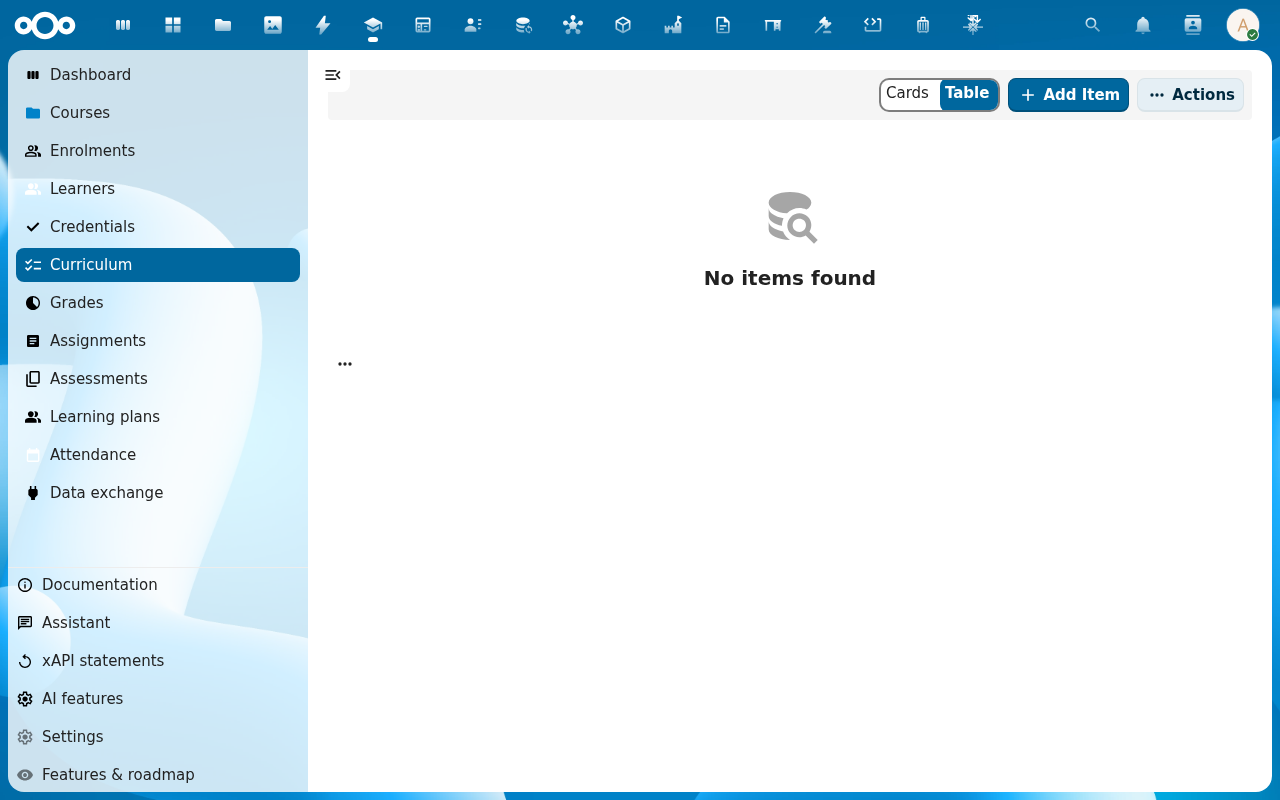
Click Curriculum → Programmes in the left navigation. The Programmes list opens. On a fresh install it is empty.
-
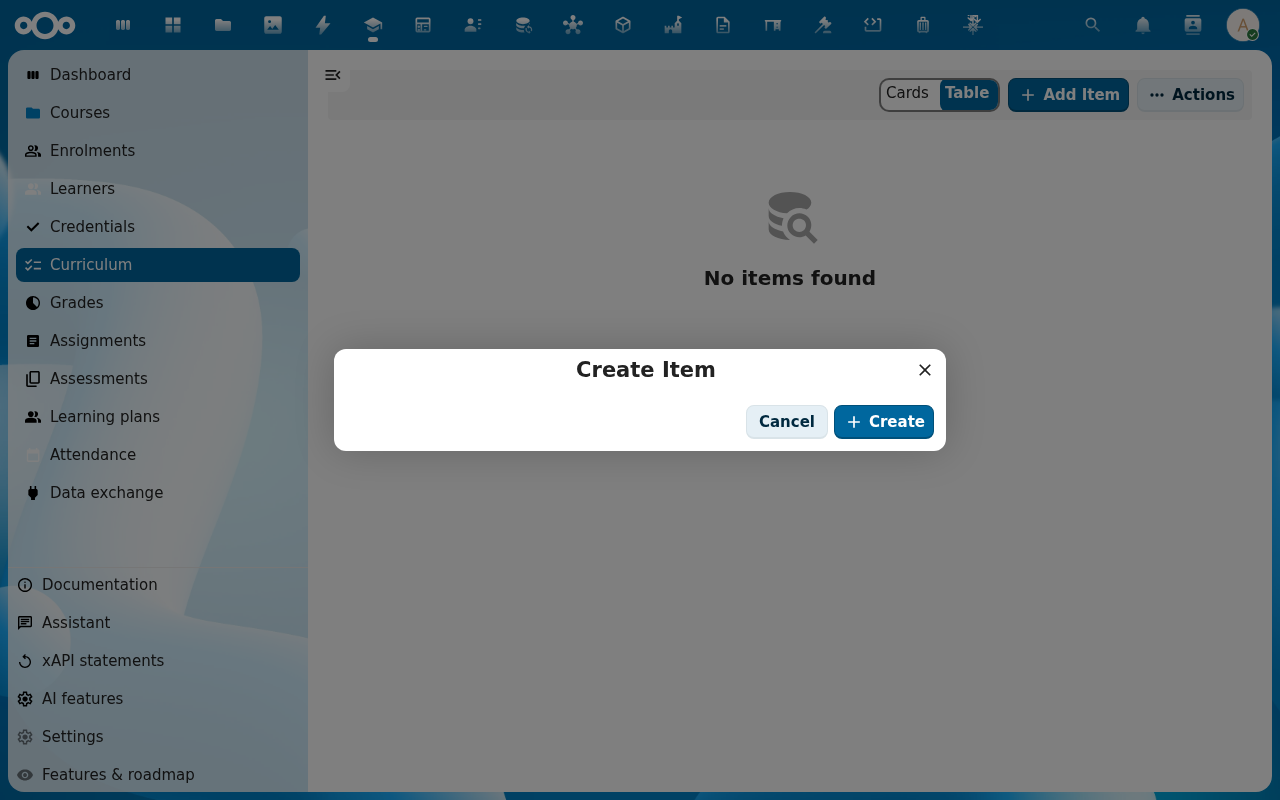
Click Add Item. Fill in Name (for example MBO Software Developer Year 1), Code, Description and pick a Start and End academic year. Click Save.
-
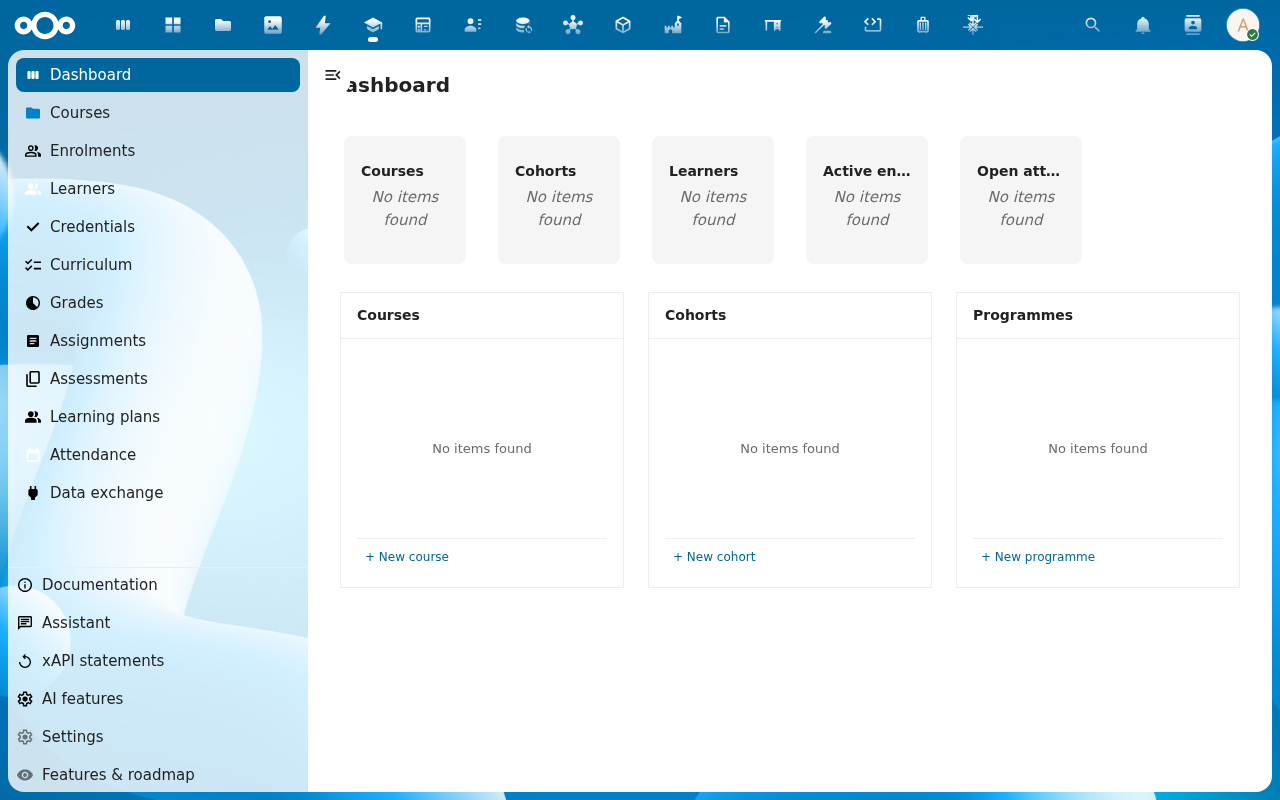
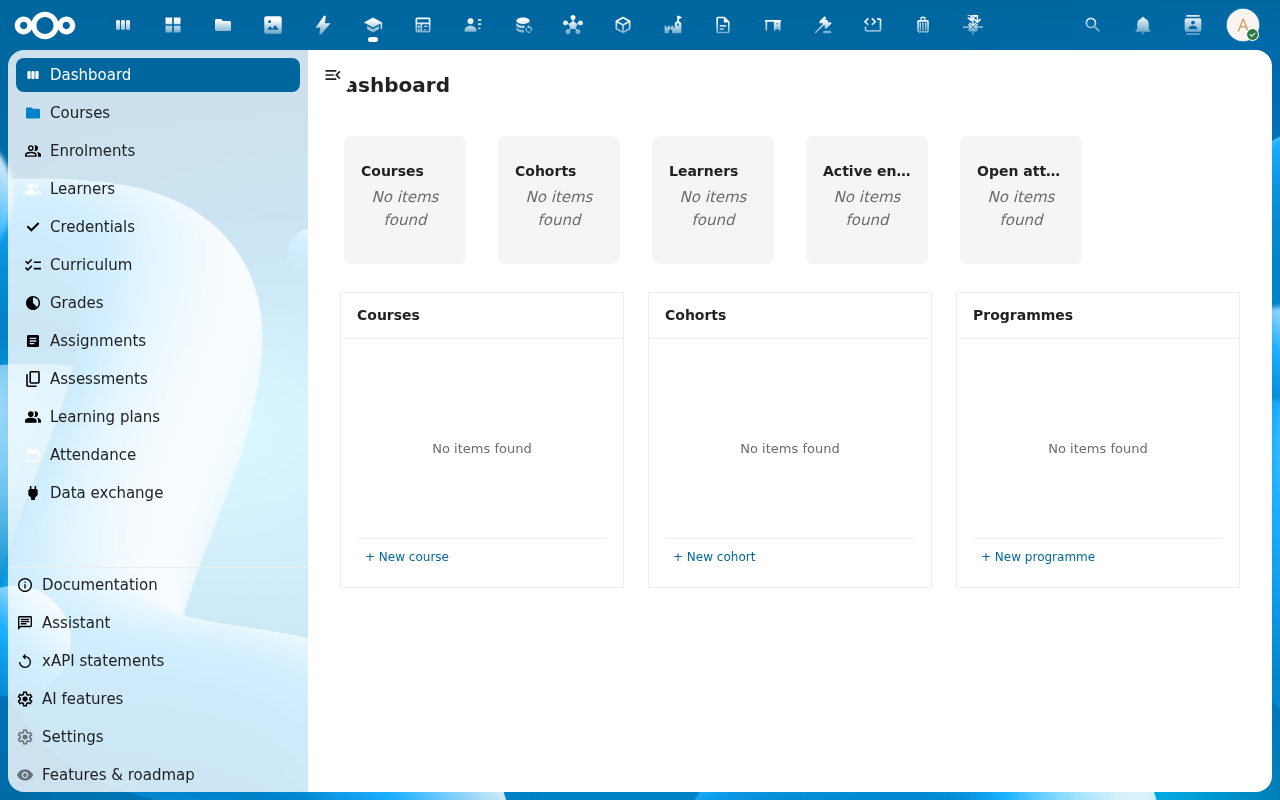
From the Curriculum section, click Cohorts (or use the dashboard Cohorts tile). Click Add Item and fill in Name (for example 2026-A), pick the Programme you just created, set a Start date and click Save.
-
Open the cohort row and switch to the Members tab. Click Add Item and pick learners one by one, or click Bulk add and paste a CSV of learner identifiers.
-
Switch to the Timetable tab on the cohort to schedule the recurring sessions teachers will mark attendance against. Scholiq writes one session per recurrence into the cohort's Sessions list.
Verification
The structure is in place when: the Programmes list has at least one row, the Cohorts list has at least one cohort linked to that programme, and the cohort detail page shows members and a timetable.
Common issues
| Symptom | Fix |
|---|---|
| The Programme dropdown on the cohort dialog is empty | The cohort was opened before the programme was saved — close the dialog, reload, try again. |
| Bulk-adding learners says "unknown learner" | The identifier column does not match — use the Learner ID shown on the Learners list, not the display name. |
| The dashboard Cohorts tile shows zero after you saved a cohort | The dashboard caches the count — reload, or wait a minute. |
Reference
- Create a course — courses can be attached to a programme.
- Enrol students — bulk enrolment uses cohorts.
- Compliance audit pack — programme structure feeds the audit aggregation.